ACME & Non-standard name space
While working with a customer recently who wanted to issue TLS certificates to an internal IIS server with .LOCAL name space, I assumed it wouldn't work.
During the initial test, TLM -> DigiCert Agent (on Windows) -> IIS, it did fail. It stopped after CSR generation and failed with the error - "Error: workflow step failed: Code: 1014, Message: Failed to finalize ACME order." - which led me to believe that it failed because they'd requested a *.fake.local domain request, or more specifically because they'd used the .LOCAL domain. There are several domains that, like non-routable IPS, will not work with public facing devices. However, this was NOT a public facing server, rather it was a private internal to their network server handling an internal private application.
After several attempts, including issuing the same certificate to a Loadbalancer, also handling internal application(s), it too failed.
Hence what led me to test in my own lab, good-ole-SLAB. (Shanes LAB).
Starting from scratch, I setup a brand new Windows 2022 server, IIS onboard with no certificate bound or assigned. Raw, new, never been touched server was at my disposal.
ONE: Install server and setup IIS (less than 30 minutes)
TWO: Install DigiCert Agent from my production grade demo TLM Account.
THREE: Setup a test Profile specific to this test. Meaning, basic, no frills algorithm, key size and validity period - defauls.
FOUR: Issue certificate from a DigiCert private CA/ICA at my disposal.
FIVE: Observe
Conclusion - nothing happened other than successfully issued a certificate from the get-go.
Environment:
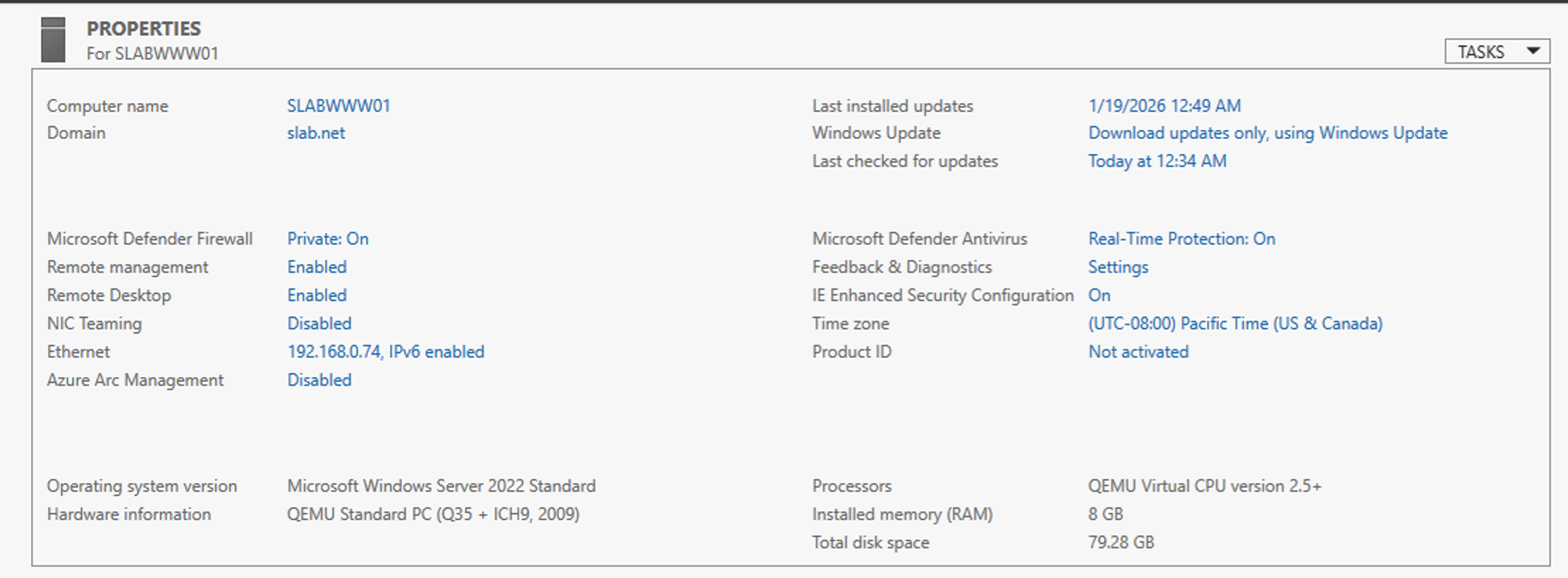
Automation Event - configured through TLM.
Using the Request Certificate action against port :80, an unsecured port, I initiated the automation with the domain "slab01.local" to see what would happen.
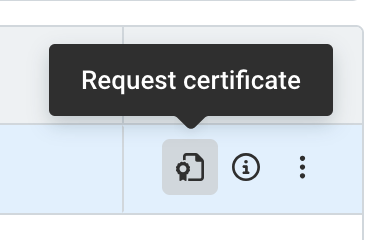
Automation Event:
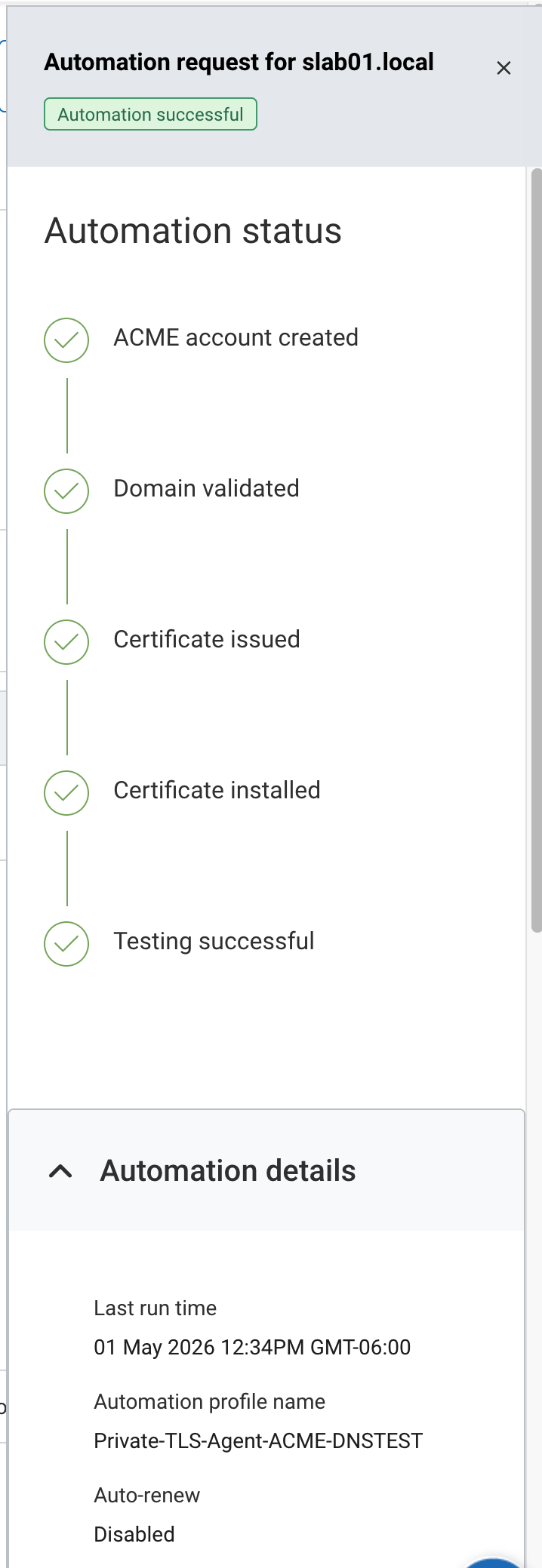
Pretty much went as planned. Automation ran with zero errors and the DigiCert agent bound the new certificate to port :443.
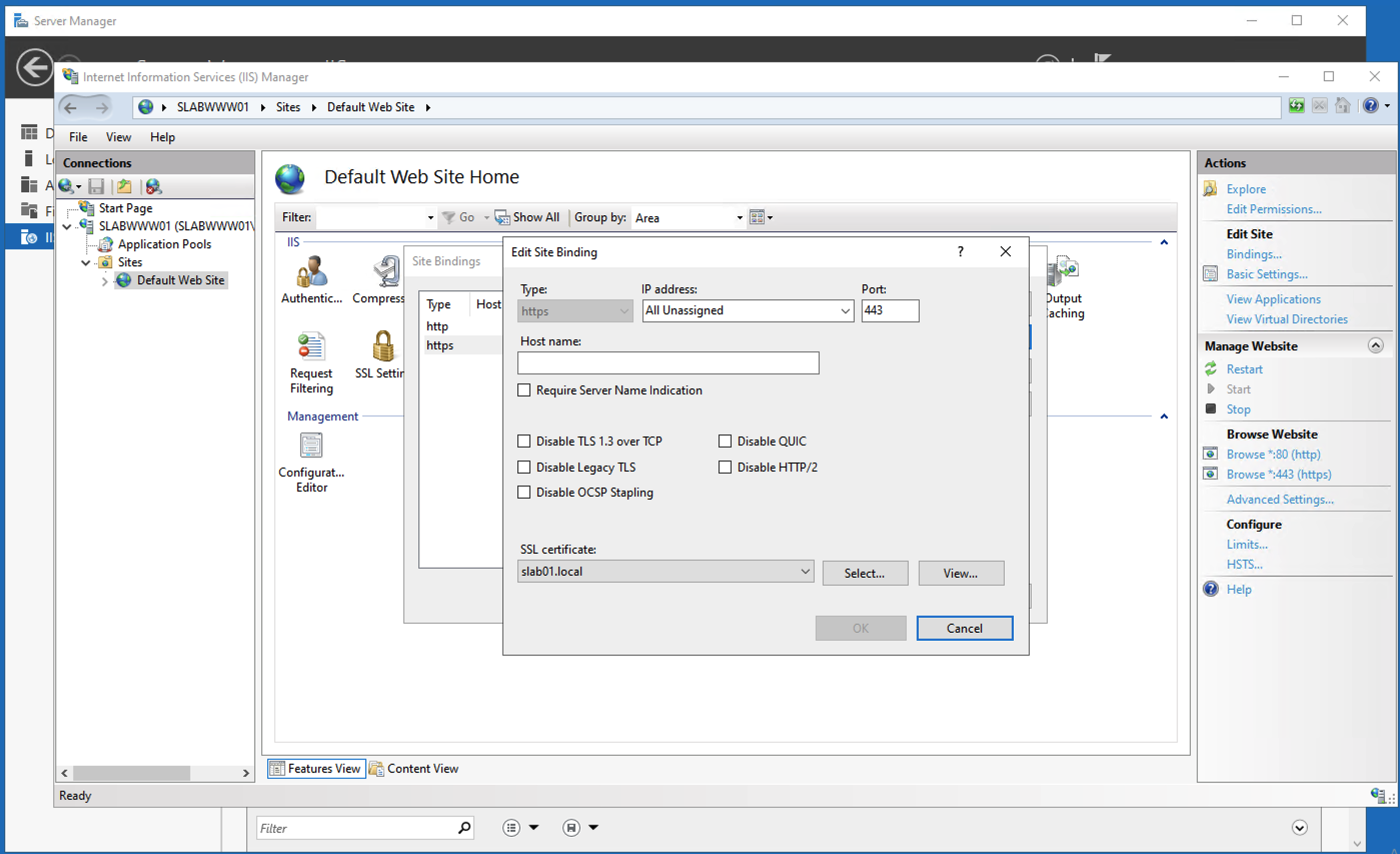
Overall conclusion:
I was wrong to assume that .LOCAL - .TEST - .LAN - or any of the traditional non-standard name spaces would fail. Instead, it worked out of the gate. To be fair, there were some parameters to consider.
Environment:
- Domain Joined Windows 2022 (I have a basic 2022 server template, so easier to standup and run - I do need to create a 2025 template )
- Digicert Agent
- IIS - no cert installed/bound - brand new issuance against :80
- Domain slab.net - my AD domain
- Local DNS - reverse lookup - slab01.local -> points back to this server since i wasn’t requesting slab.net - wanted to make sure the reverse lookup worked.
Follow up test -> Next test may be to consider issuing a certificate to this same system, but with another non-standard name space domain that DOES NOT have DNS entry in my local DNS management system. Like, slab01.test -or- slab01.example -or- slab01.invalid - something that is listed here: https://docs.digicert.com/en/certcentral/certificate-tools/discovery-user-guide/tls-ssl-certificate-vulnerabilities/internal-names.html
Stay tuned...